
Think it
Say it
A new idea, spoken right away.
Built for next-gen interaction: voice input and long-context Agent prompts.
See what you can do
Speak naturally.
Open-source AI voice input.
Give every thought a clear voice
LESS TYPING. MORE THINKING.
A new idea, spoken right away.
Built for next-gen interaction: voice input and long-context Agent prompts.
See what you can doGood interaction fits your voice. Save prompts, tone, and formats as packs, or browse the marketplace.
Add your dictionary for names and terms—tools built around you.
Release the shortcut and see text in as little as 0.3 seconds. Finish speaking, and it’s there.
Near-instant post-processing keeps words in step with your thoughts, so waiting won’t interrupt an idea.
Try OpenLess1× original speedNot sped up
Configuration used in this recording. Actual response times depend on your device, network, and service availability.
Skip translator tabs and pasting. Pick a target language, speak naturally where your cursor sits, and watch fluent translation appear.
Multilingual writing, natural as speech.
Try OpenLessMultilingual translation, personal dictionaries, and custom styles.
From finding the right words to asking your next question, keep your ideas moving with OpenLess.
A LITTLE VOICE. ENDLESS POSSIBILITIES.
Chat with AI, reply to a teammate, or save a passing idea.
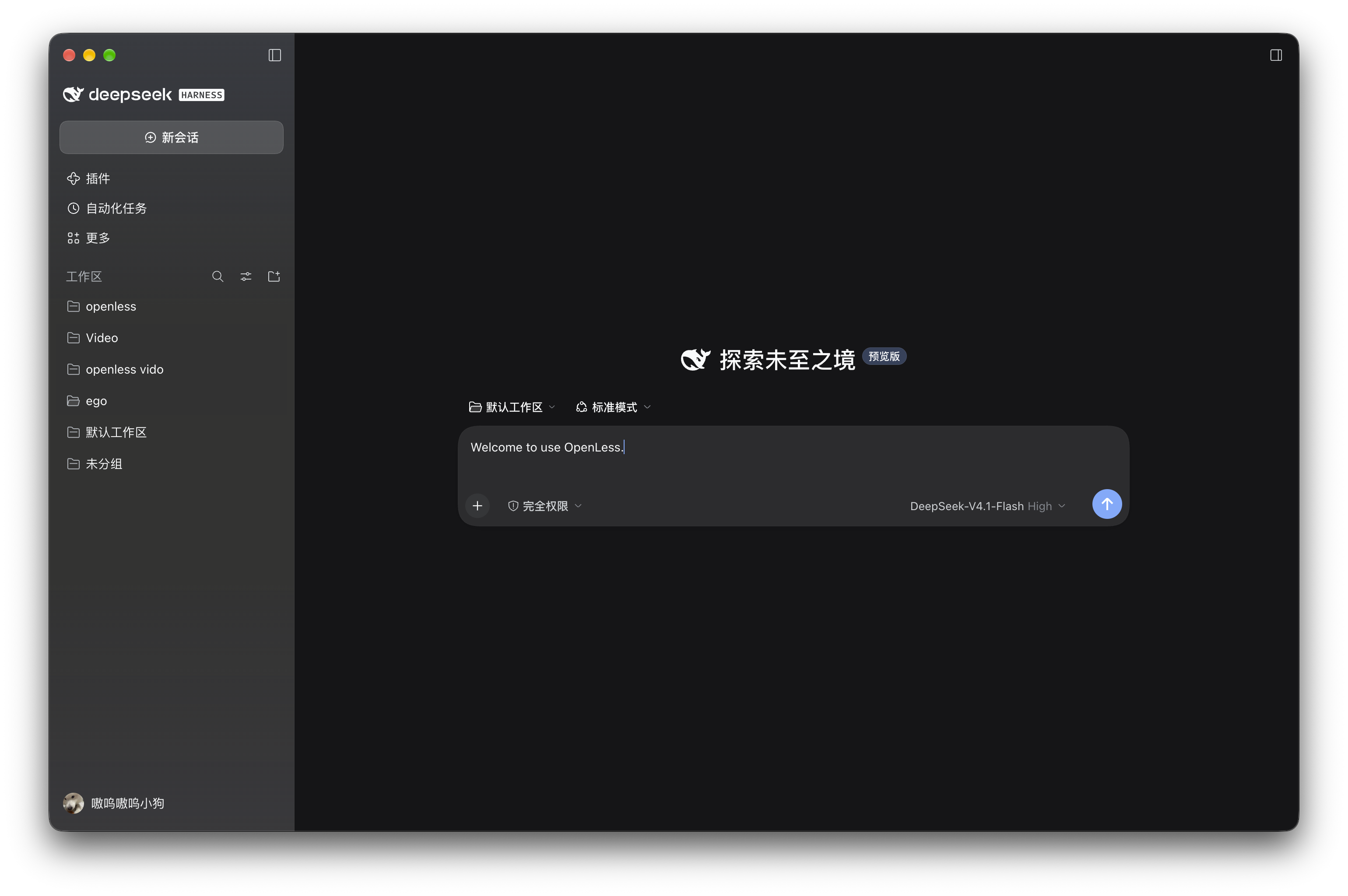
Never squeeze big thoughts into keywords. Share the full story so AI gets it.
From quick replies to formal emails, say what you mean. OpenLess can translate it or give it a more formal tone.
Move between pages and apps, or handle several tasks at once. Keep working, keep speaking, and let your thoughts flow.
Use cases and interaction examples shown for illustration.
MORE LIKE YOU
Keep your go-to phrases and save your own terms in your dictionary. With your chosen style and the context you enable, OpenLess finds the right wording for emails, chats, and notes.
No subscription required. No platform lock-in.
The code is fully open.
Anyone can use it, read it, and contribute.
OpenLess is a completely free, open-source AI voice input app. It turns speech into text and helps refine your wording. Choose your speech recognition and text processing services, and use a personal dictionary, style packs, and history to make writing feel more like you.
Typeless offers a free plan and paid subscriptions. The OpenLess app is completely free and open source, with no app subscription fee. You can explore the code, contribute improvements, and choose the speech recognition and text processing services that suit you.
If you use third-party cloud models, their providers may charge for usage. The OpenLess app itself does not charge a subscription fee.
Add frequently used words from your history to your dictionary, define tone and formatting with style packs, and use context from the current app to refine your wording. Choose an approach that fits whether you’re writing an email, talking to AI, or taking notes.
Vocabulary learning and cursor context are opt-in. New word suggestions are added to your dictionary only after you confirm them. When context is enabled, OpenLess uses text near your cursor to better understand what you mean.
Choose Download OpenLess, then select your device and chip. We look for the most recently published stable release with a matching installer. You can also opt in to preview builds.
Yes. You can configure and manage speech recognition and text processing services in the app. See the repository documentation for supported providers and setup instructions.
You can find the complete source code, release history, and usage instructions on GitHub. Open an issue to report a problem, make a suggestion, or share an idea for improvement.